Domovoy
The computer locks at the time you chose
Time limits and a schedule for your child's Windows PC. You stay in charge, from your phone.
Windows 10 and 11 only. A Mac version is planned for later.
A normal evening with Domovoy
You set the rules once. After that, Domovoy keeps track on its own.
Homework
Study mode turns on: games are closed, while the browser and school programs keep working.
Free time
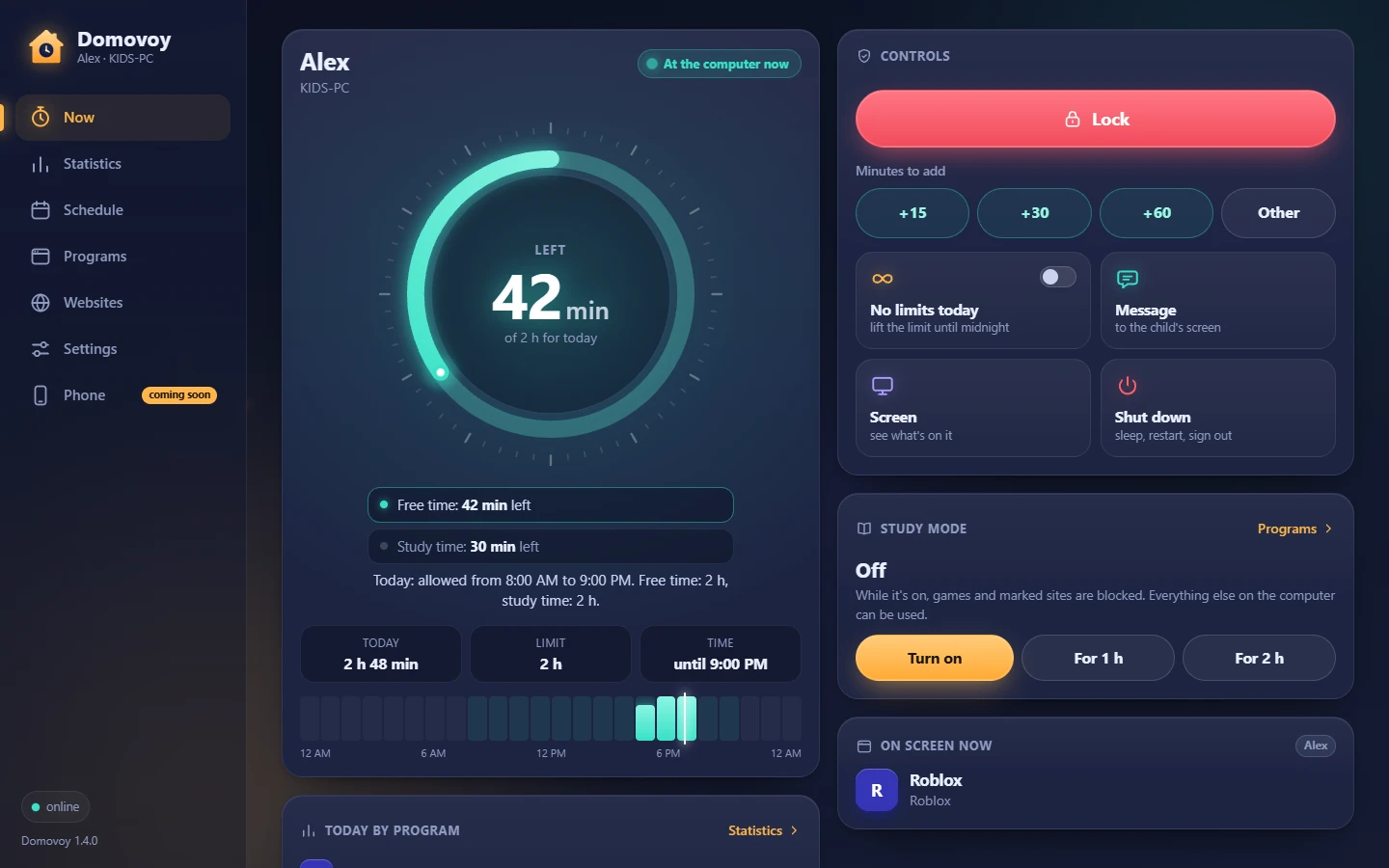
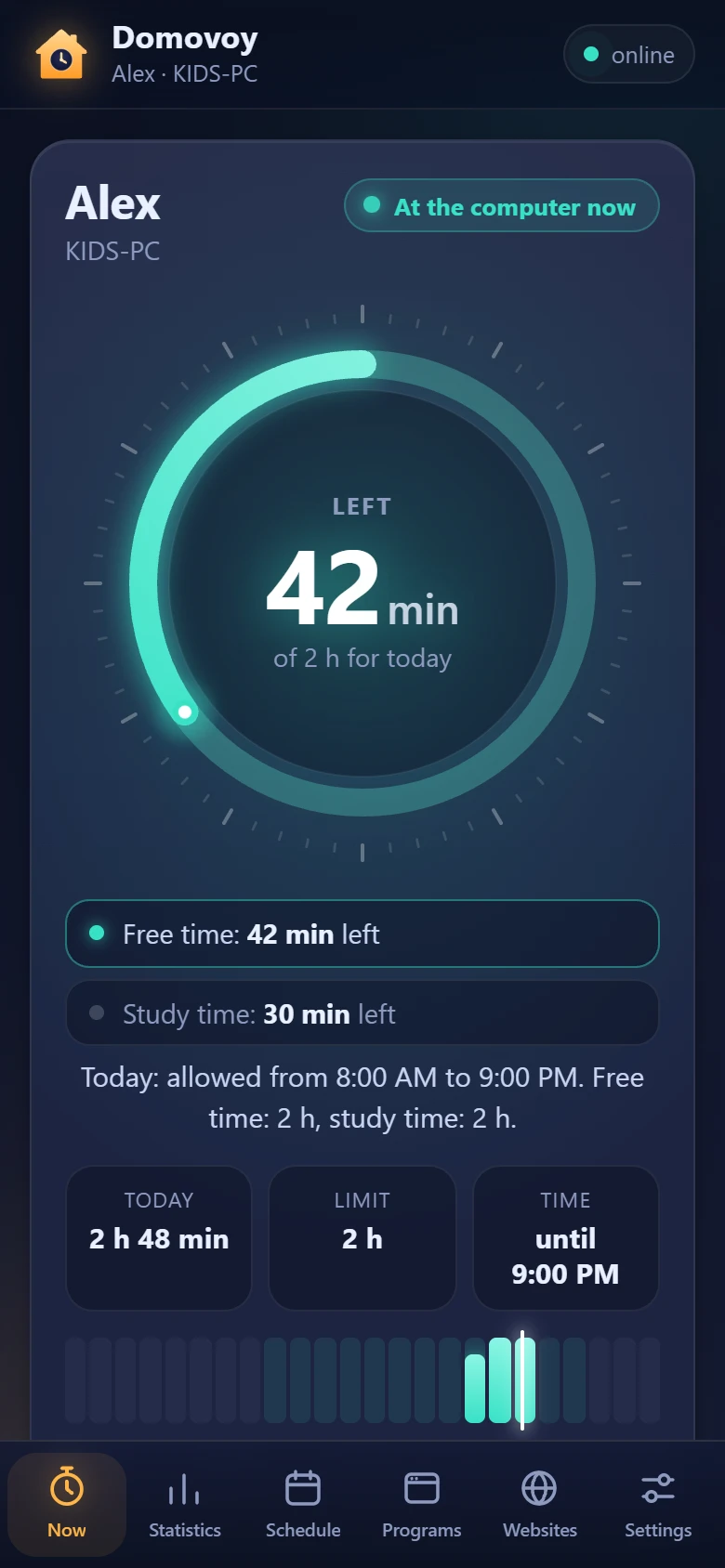
Games are allowed. Domovoy counts the minutes, and you see them on your phone.
Five minutes left
Your child gets a warning and has time to save the game.

End of the day
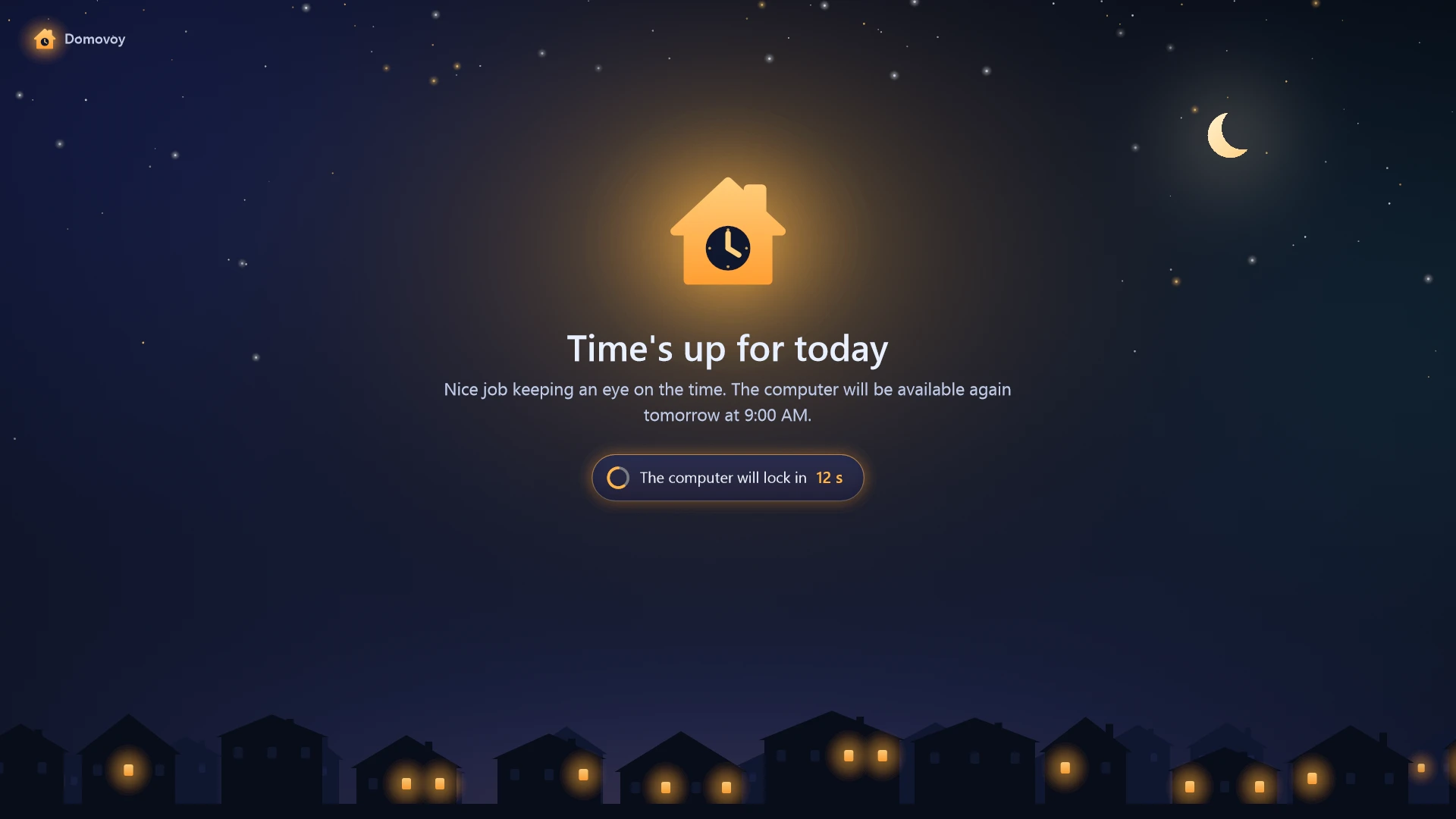
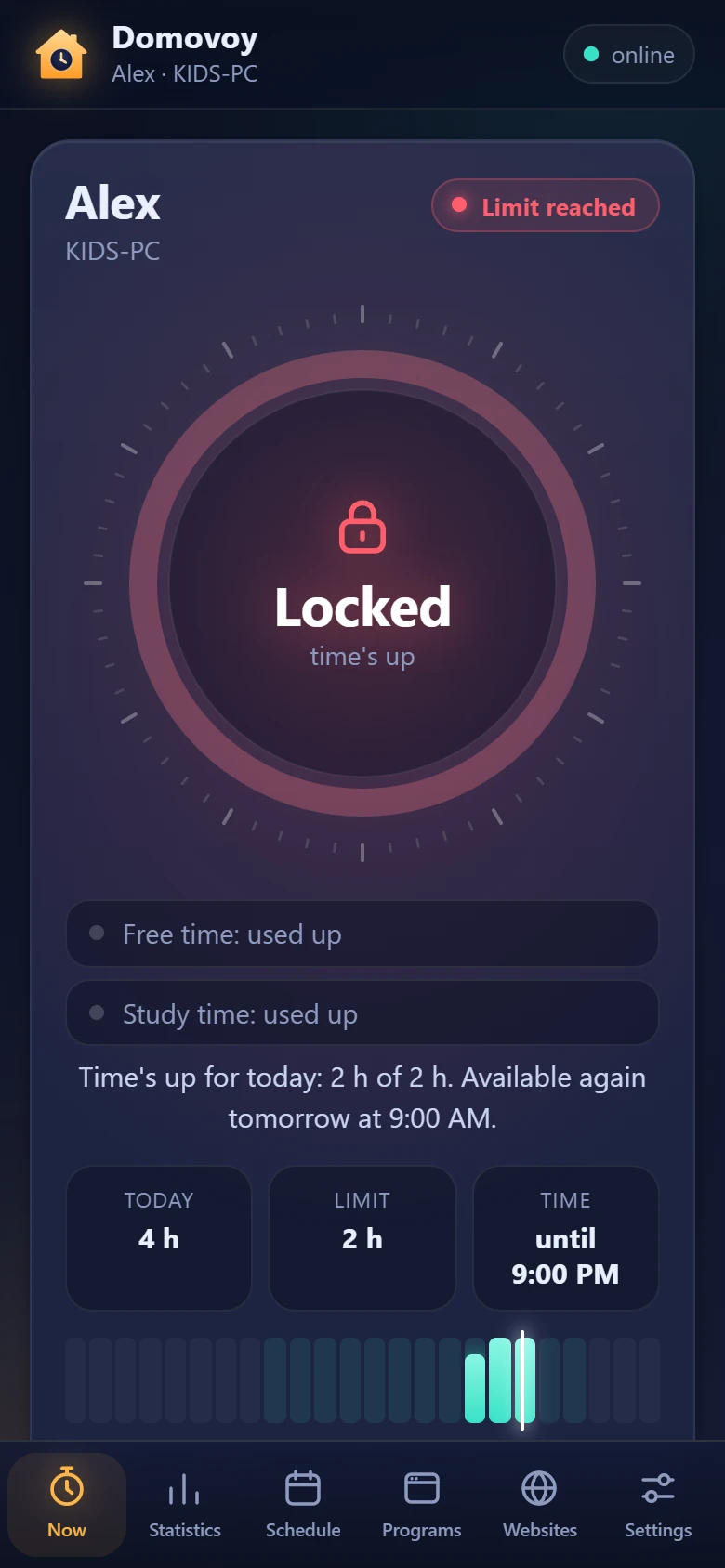
The computer locks. Need 15 more minutes? One tap on your phone.
Everything on one phone
The panel opens in your browser. There's no app to install.
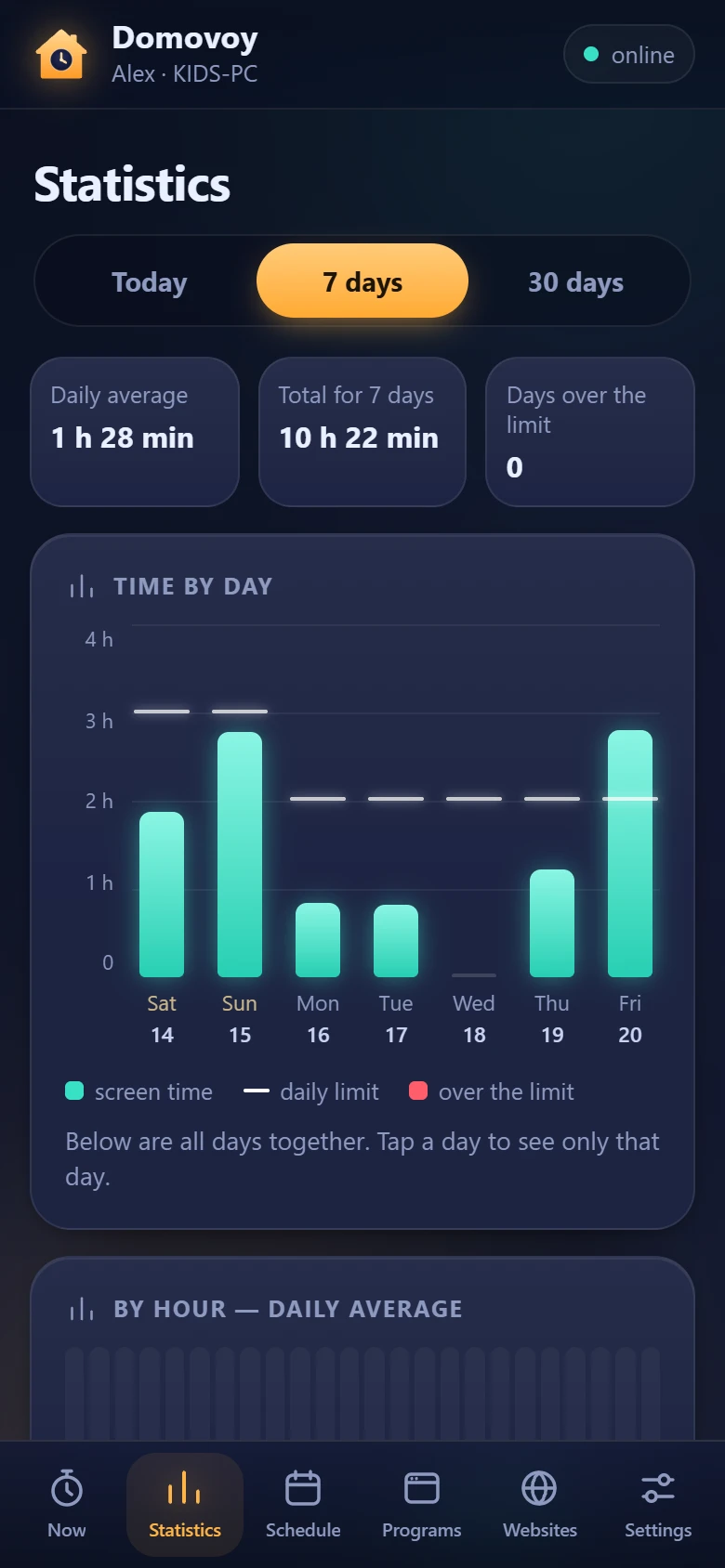
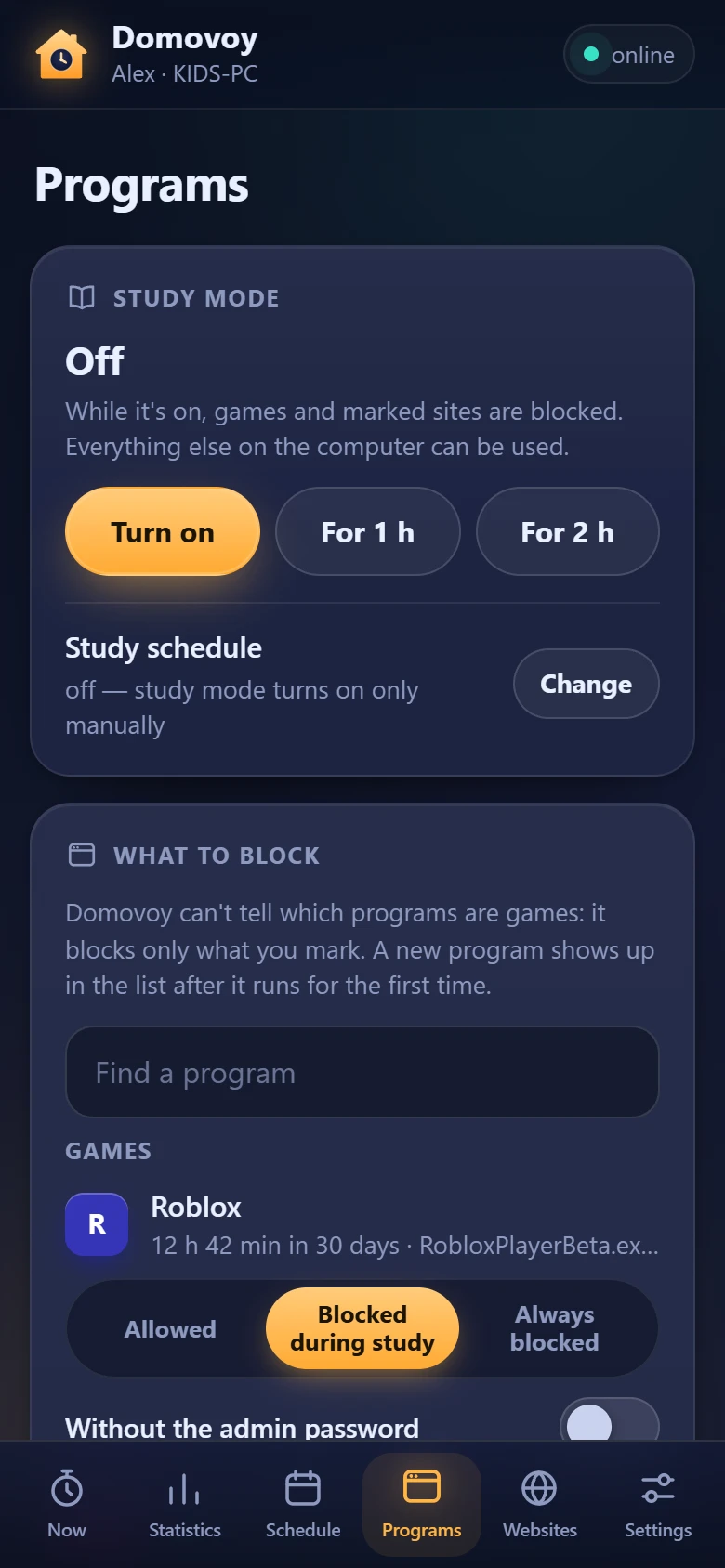
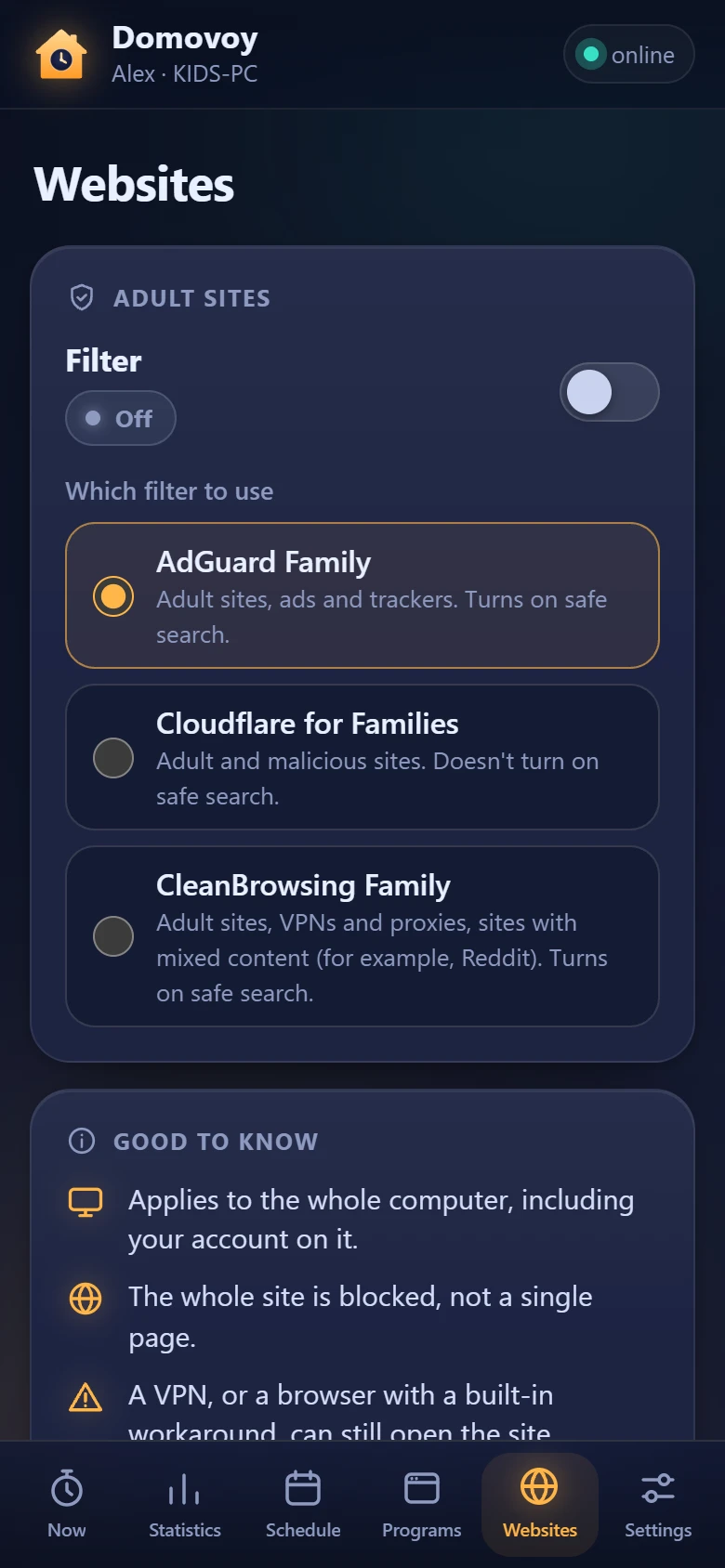
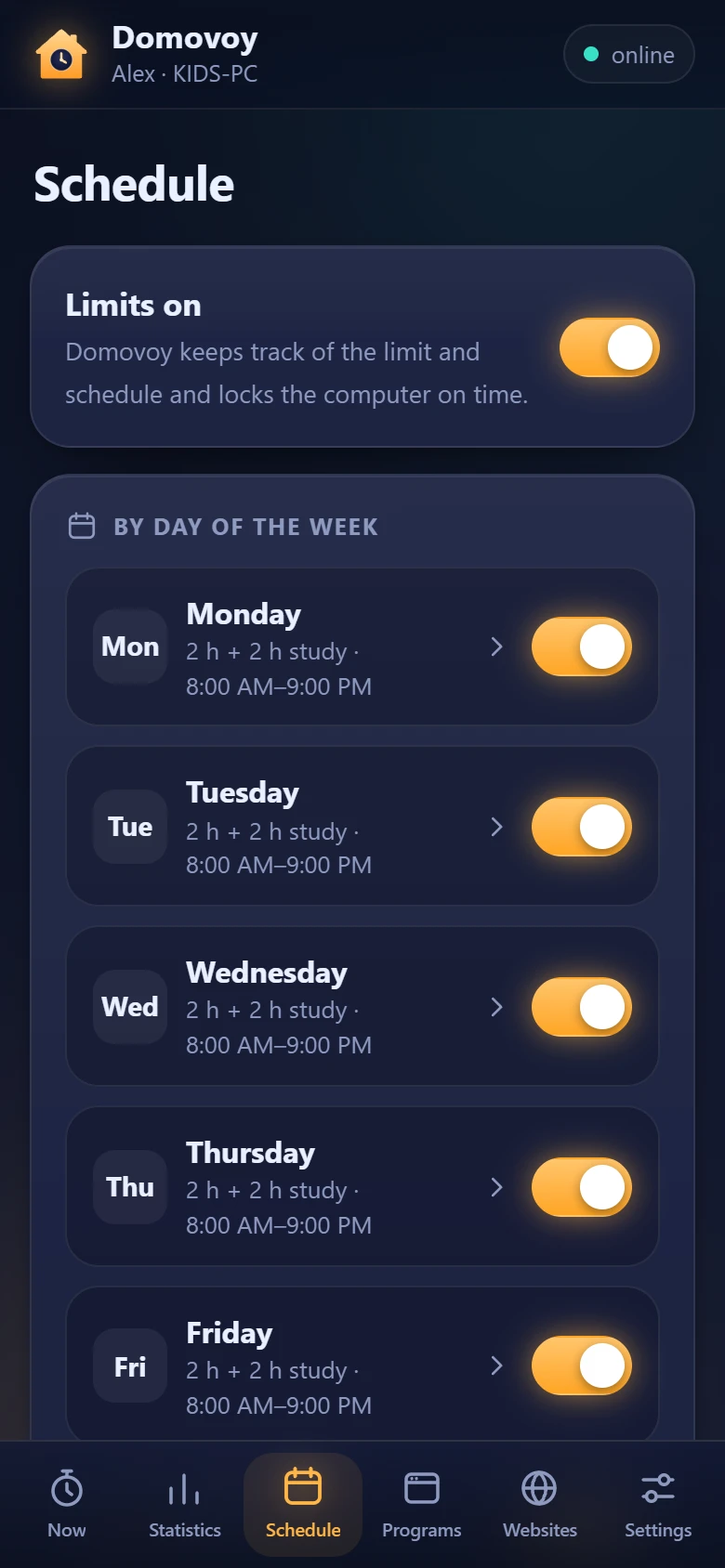
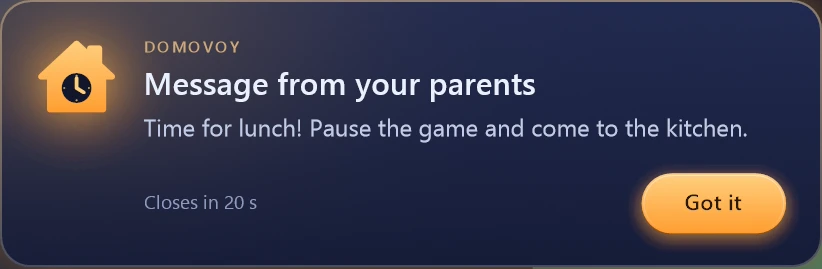
Your child knows Domovoy is there. That's on purpose.
- An icon by the clock
- Your child can see how much time is left, unless you turned the countdown off.
- Warnings in advance
- 15, 5 and 1 minute before the end.
- Doesn't read chats
- It doesn't record keystrokes or browsing history. On the Now screen you see the open program and its window title. A screenshot you ask for shows only what is open at that moment.
Works at home, even without the internet
The rules and statistics are stored on your child's PC. Your phone reaches it over your home Wi-Fi.
Your child's PC
The Domovoy service counts the time and closes games.
Home Wi-Fi
The panel opens at an address on your network.
Your phone
A browser and the parent password.
You can also manage it when you're away from home, if you turn that on yourself. How it's protected
Free for now: the beta test is on
$0
while the beta test is on, with every feature- Nothing is charged: there is no payment during the beta.
- After the beta, a family subscription is planned from $11.99 a year, depending on your country.
- Everything included, even control from outside your home.
Domovoy for phones Coming soon
Does your child spend a lot of time on the phone? We're building Domovoy for phones too: a daily limit, a schedule and study mode, in the same panel.
Put Domovoy on your child's PC
You need Windows 10 or 11 and the administrator password, once.
Windows 10 and 11 only. A Mac version is planned for later.