 Domovoy
What Domovoy can do
Time, homework, websites and statistics. You can turn each part on or leave it off.
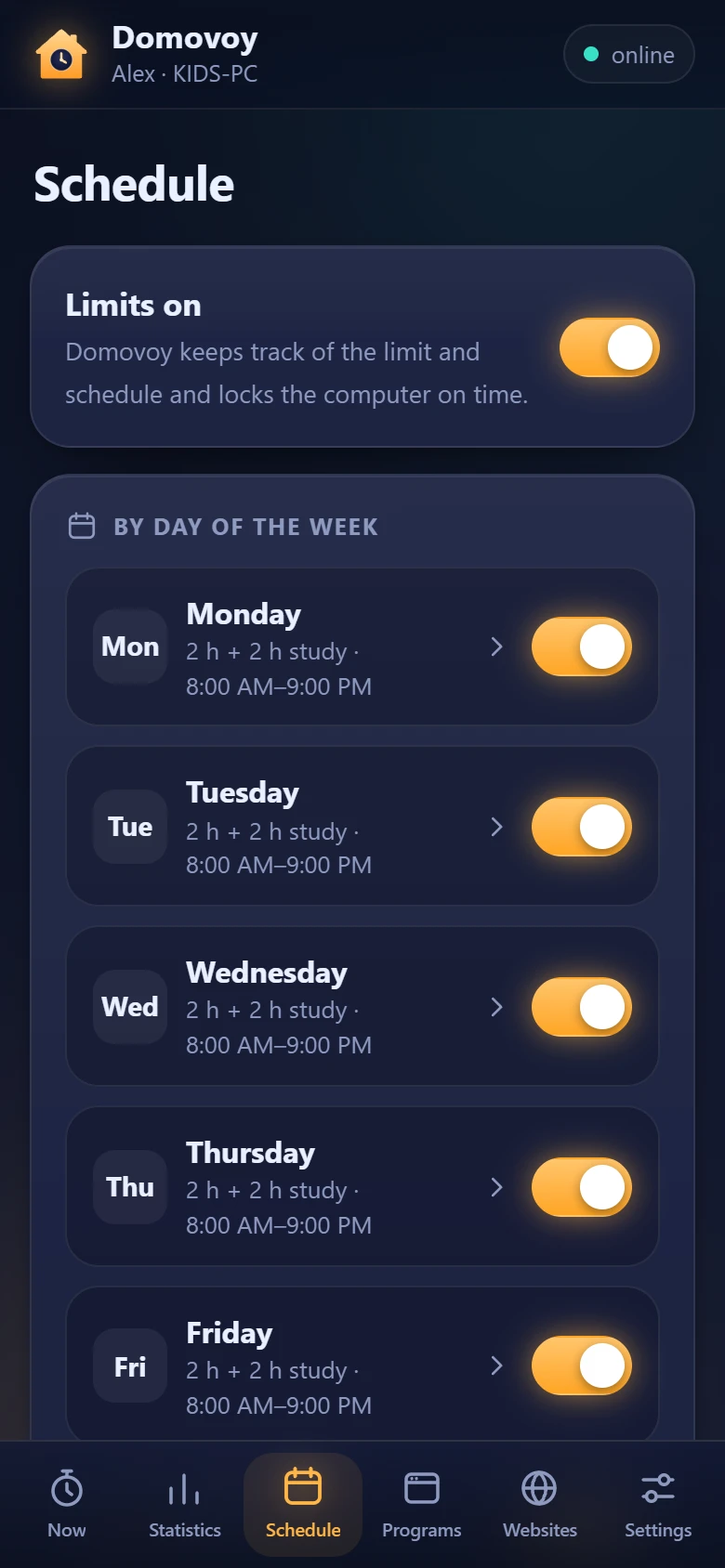
A daily limit and allowed hours
How long your child can use the computer, and during which hours. Separate rules for weekdays and weekends, and no-computer days.
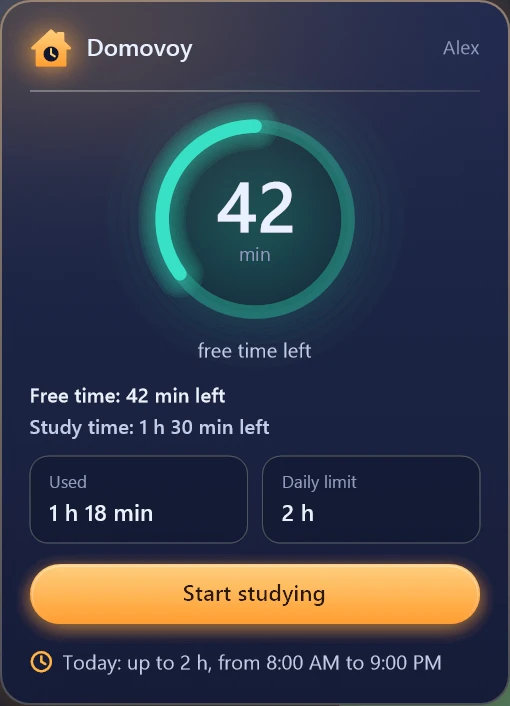
Study time is set on its own: for example, 2 hours of free time and 2 hours for homework. When free time runs out, Domovoy switches to study mode instead of locking the computer.
Study mode
During homework, Domovoy closes the games you checked. The browser and school programs keep working.
- On a schedule, or with a button for 1 or 2 hours.
- Your child can start studying from the clock icon and save free time for the evening.
- Presets: Steam, Epic Games, Roblox, Minecraft, Rockstar games.
- You can check any other program by hand.
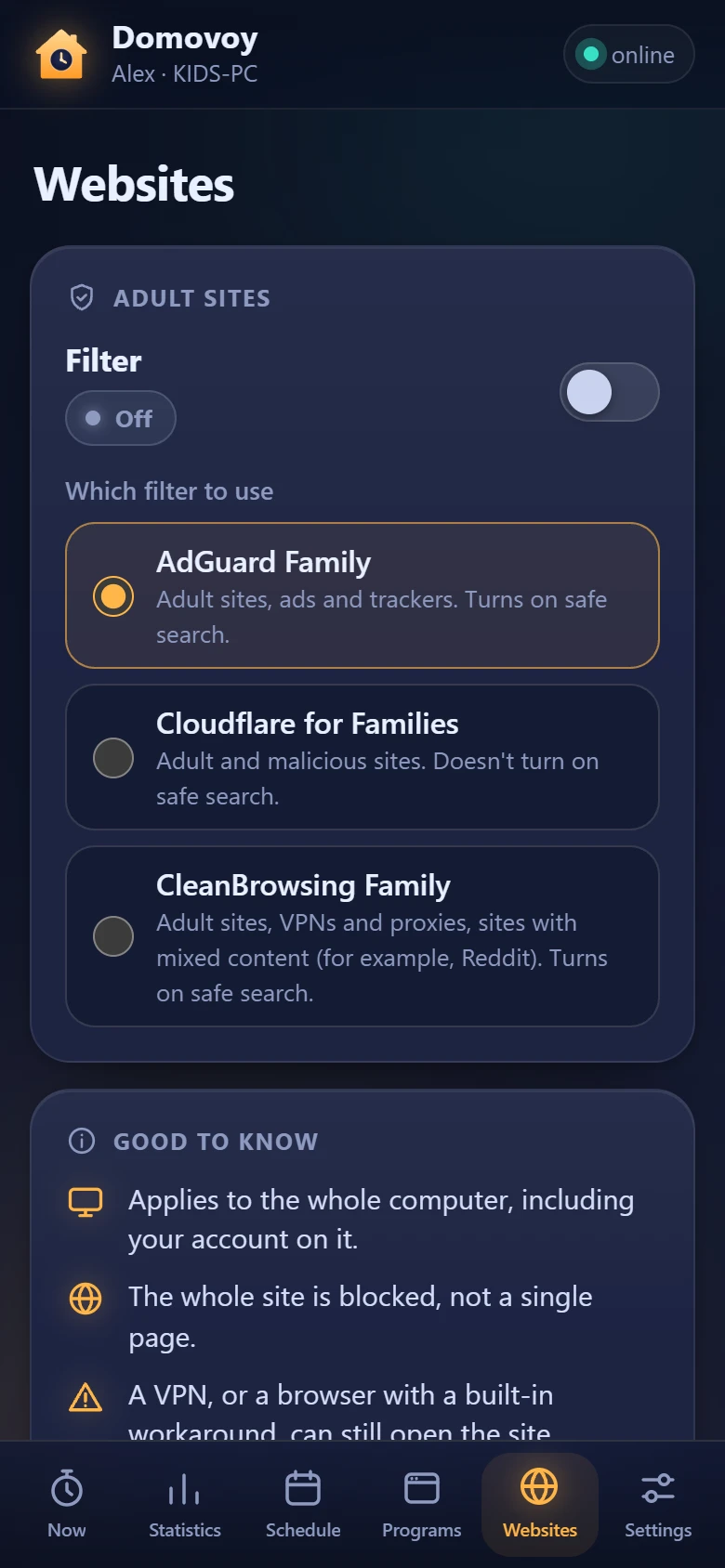
A filter for adult sites
The family filter blocks adult sites on your child's computer. You can add your own list of addresses in the panel. No filter is perfect: a site can still open through a VPN.
Domovoy doesn't collect browsing history.
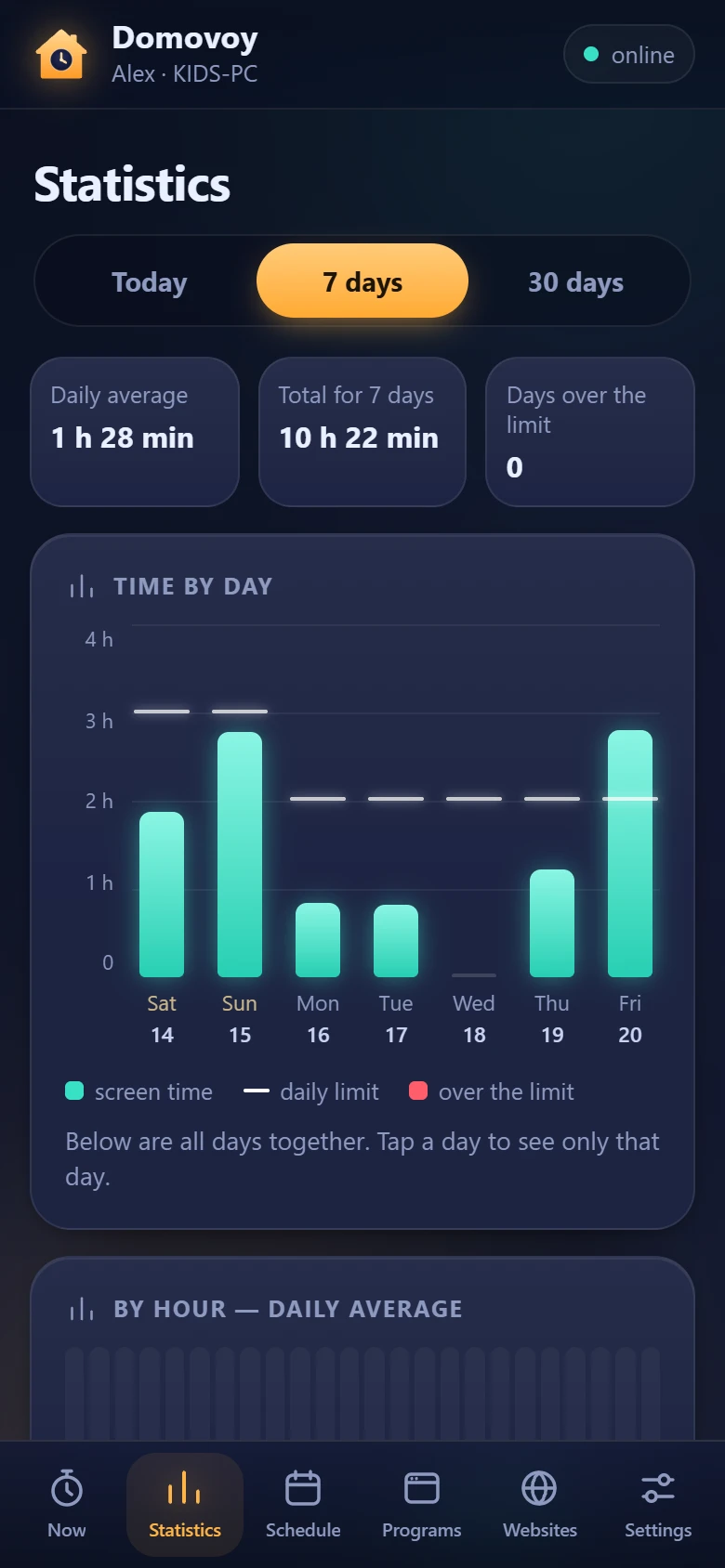
Statistics by day and by program
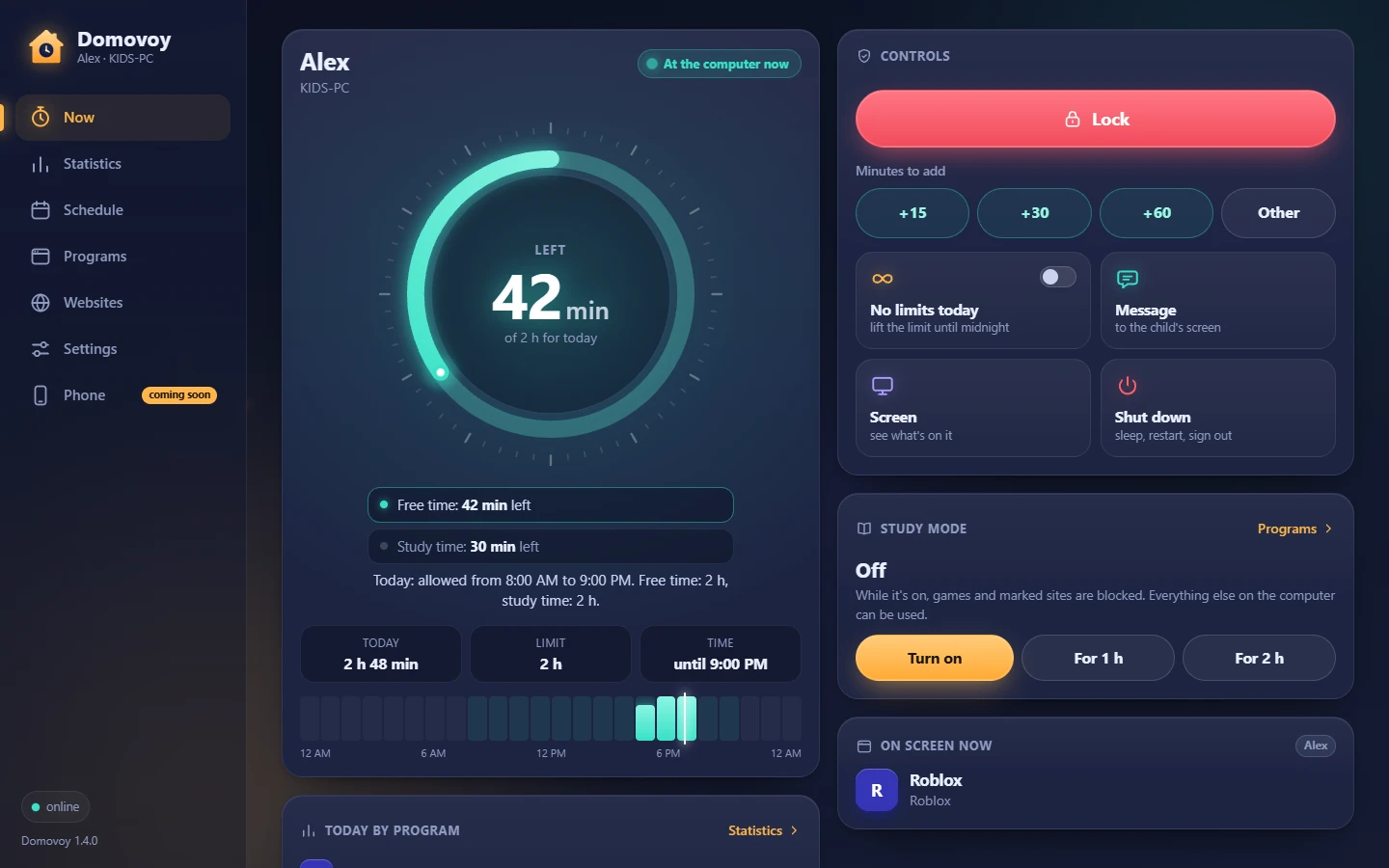
Today, the last 7 days or the last 30: how much time was spent and on which programs. Tap a day to see it on its own.
Buttons on the Now screen
- Lock now or add minutes.
- Send a message to your child's screen.
- Shut down, restart or put the computer to sleep.
- See what's on the screen. If you don't need this, turn it off in Settings.
Activity log
Domovoy records what happened: rule changes, sign-ins to the panel, the computer's clock being changed. It counts time by its own clock: setting the clock back doesn't add time.
A sample entry
“The computer's clock was set back 180 min — Domovoy keeps counting by its own clock”