 Domovoy
Three parts that work together
A service on your child's PC, the screens your child sees, and a panel for you. All of it inside your home network.
The service on your child's PC
Domovoy installs as a Windows service. It starts with the computer, counts the time, closes the games you checked and locks the computer when time is up.
A standard Windows account doesn't have the rights to stop it. It also works in Windows Safe Mode.
What it keeps
Your rules for each day, statistics for the last 90 days on which the computer was used, and an activity log. All of it is stored on your child's computer.
What your child sees
- An icon by the clock: how much time is left today.
- Warnings 15, 5 and 1 minute before the end.
- Your messages, right on the screen.
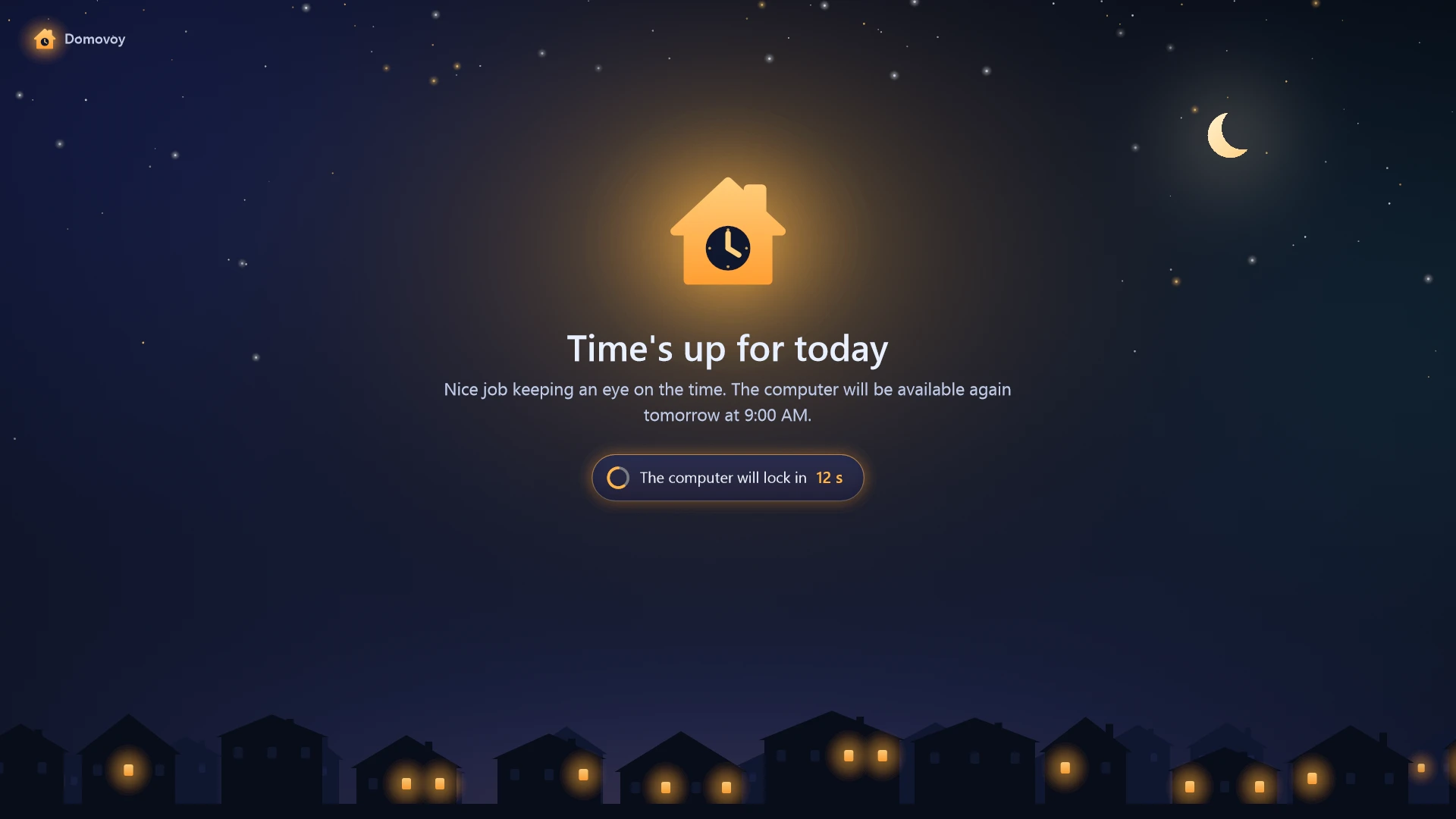
- A “Time's up for today” screen, and a few seconds later the lock.
What you see
The panel opens in the browser on your phone or your own computer, at an address on your home network. You sign in with the parent password.
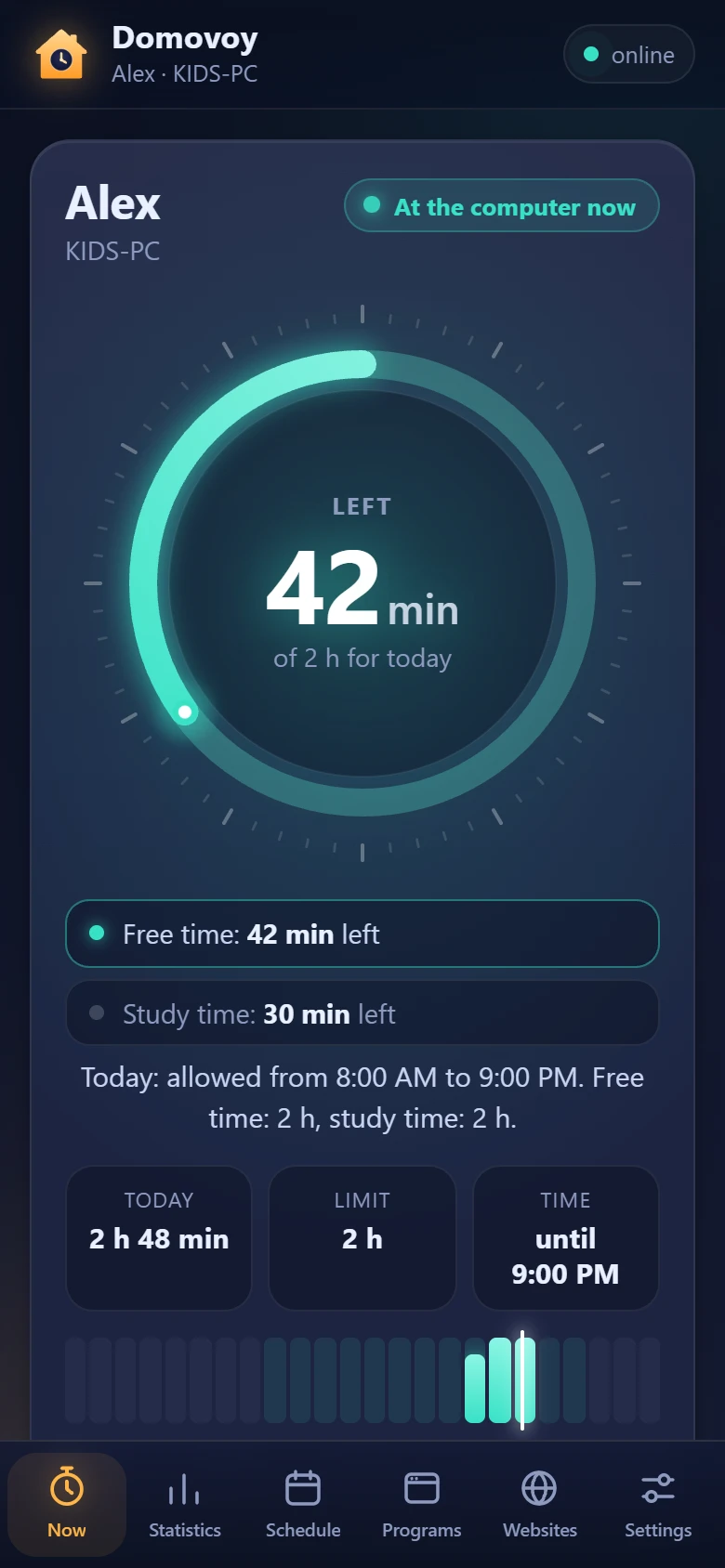
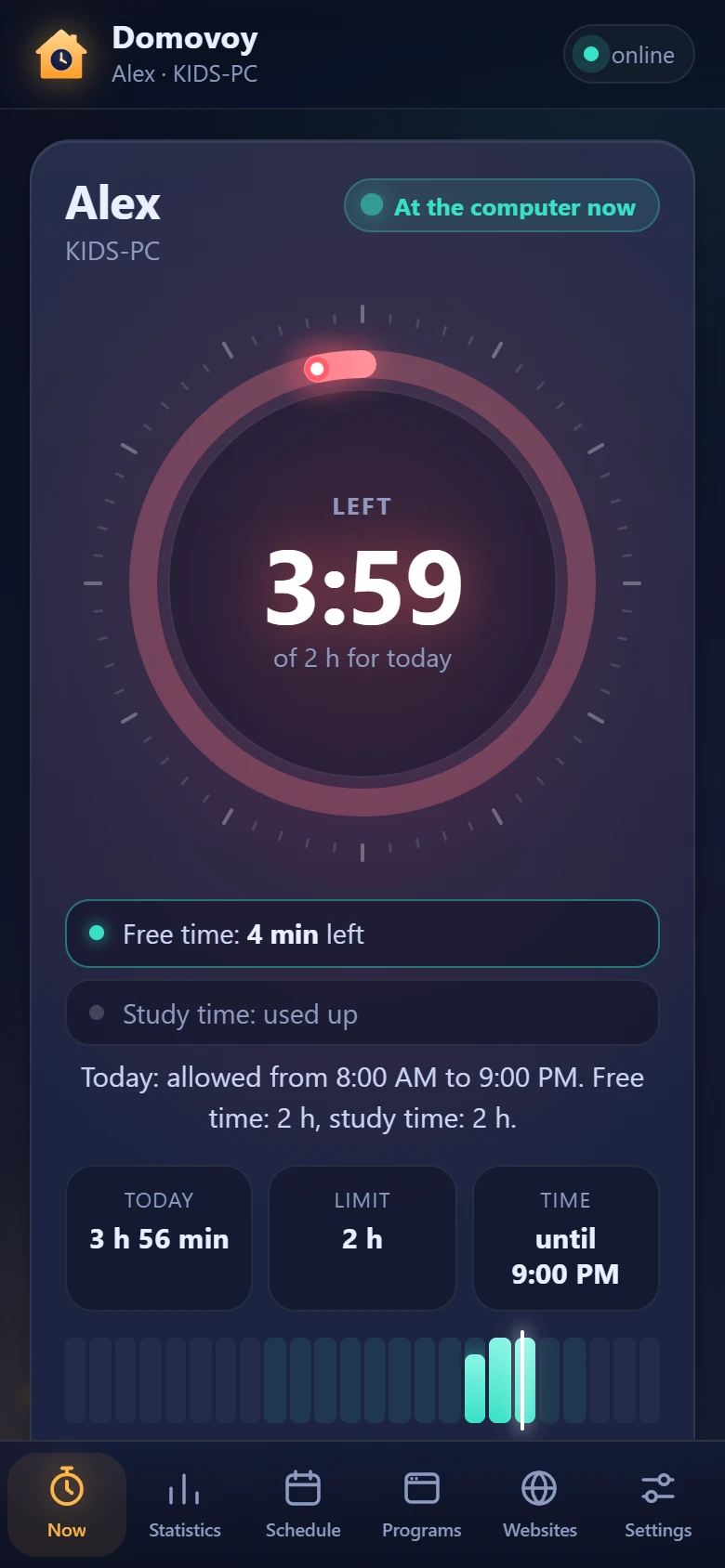
On the Now screen you see how much is left, which program is open at that moment and its window title (for example, the name of a game or of the open web page). The title isn't saved.
Time only counts while your child is at the computer. If nobody does anything for five minutes, the timer pauses.
When more time is needed
Buttons for +15, +30 and +60 minutes, “No limits today” and “Lock” are on the Now screen of the panel. You can also shut the computer down: your child will see a countdown.
When you're not home
Access from anywhere stays off until you turn it on yourself. The QR code for pairing a phone can be shown only at home, after the parent password.
The data is encrypted on your child's PC and on your phone. Our server only passes it along and can't read it. How it's protected
Without the internet
If the internet goes down, the rules keep working: everything they need is already on your child's PC.